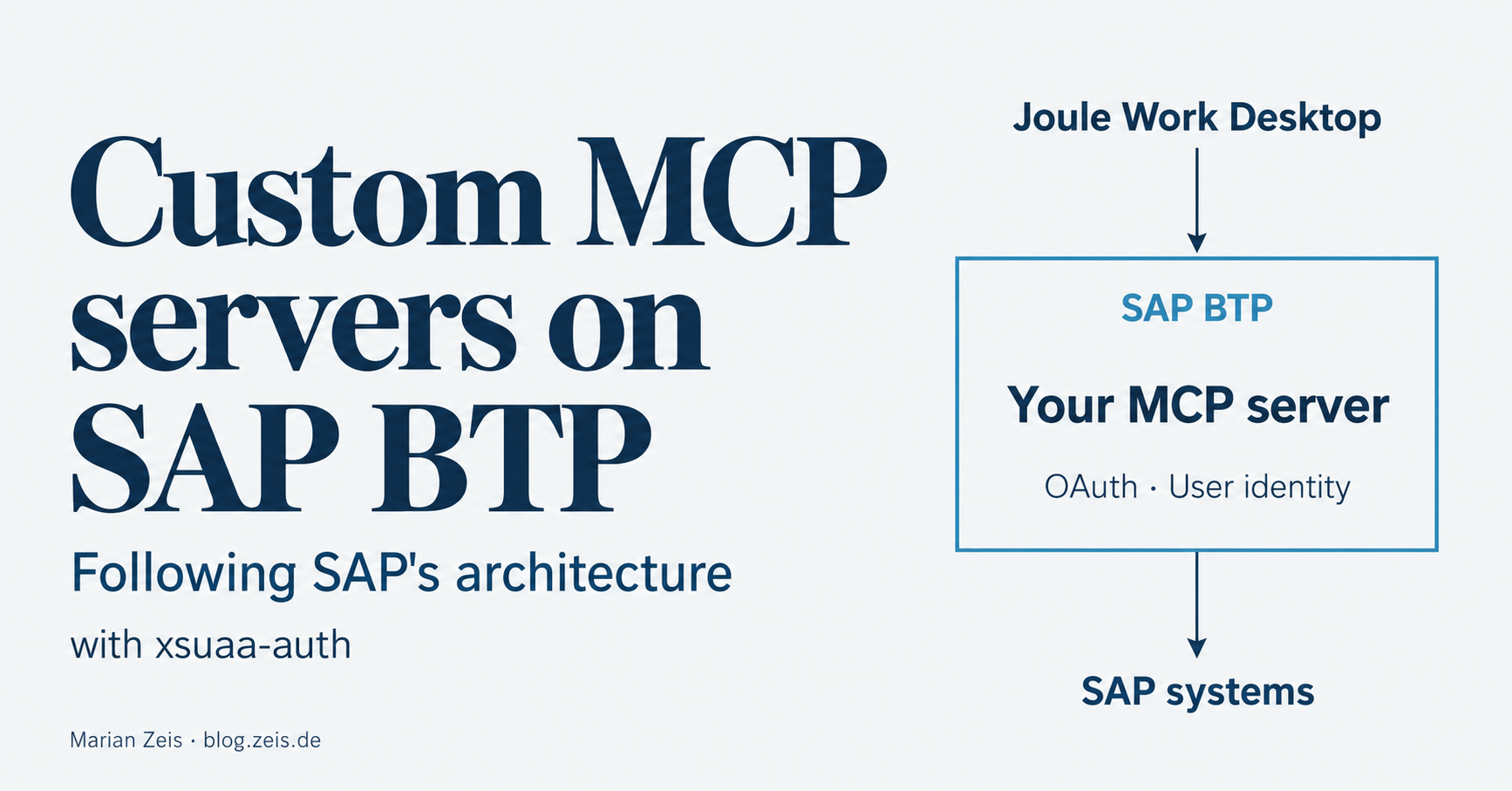
Custom MCP servers on SAP BTP, following SAP's architecture with xsuaa-auth. Joule Work Desktop connects to your MCP server inside SAP BTP, then to SAP systems.

Build a Custom MCP Server for Joule Work Desktop with XSUAA

You have a spreadsheet with business-partner IDs and want to check the names against SAP. In Joule Work Desktop (JWD), you might ask: Look up business partner 1000001 in SAP and compare its name with this spreadsheet. Include the source system and retrieval time, and leave SAP unchanged. A custom MCP server for Joule Work Desktop can provide that tool. Your developers decide what it reads, whose permissions it uses, and how much work it sends to SAP. ...
October 21, 2026 · 9 min · 1838 words · Marian Zeis
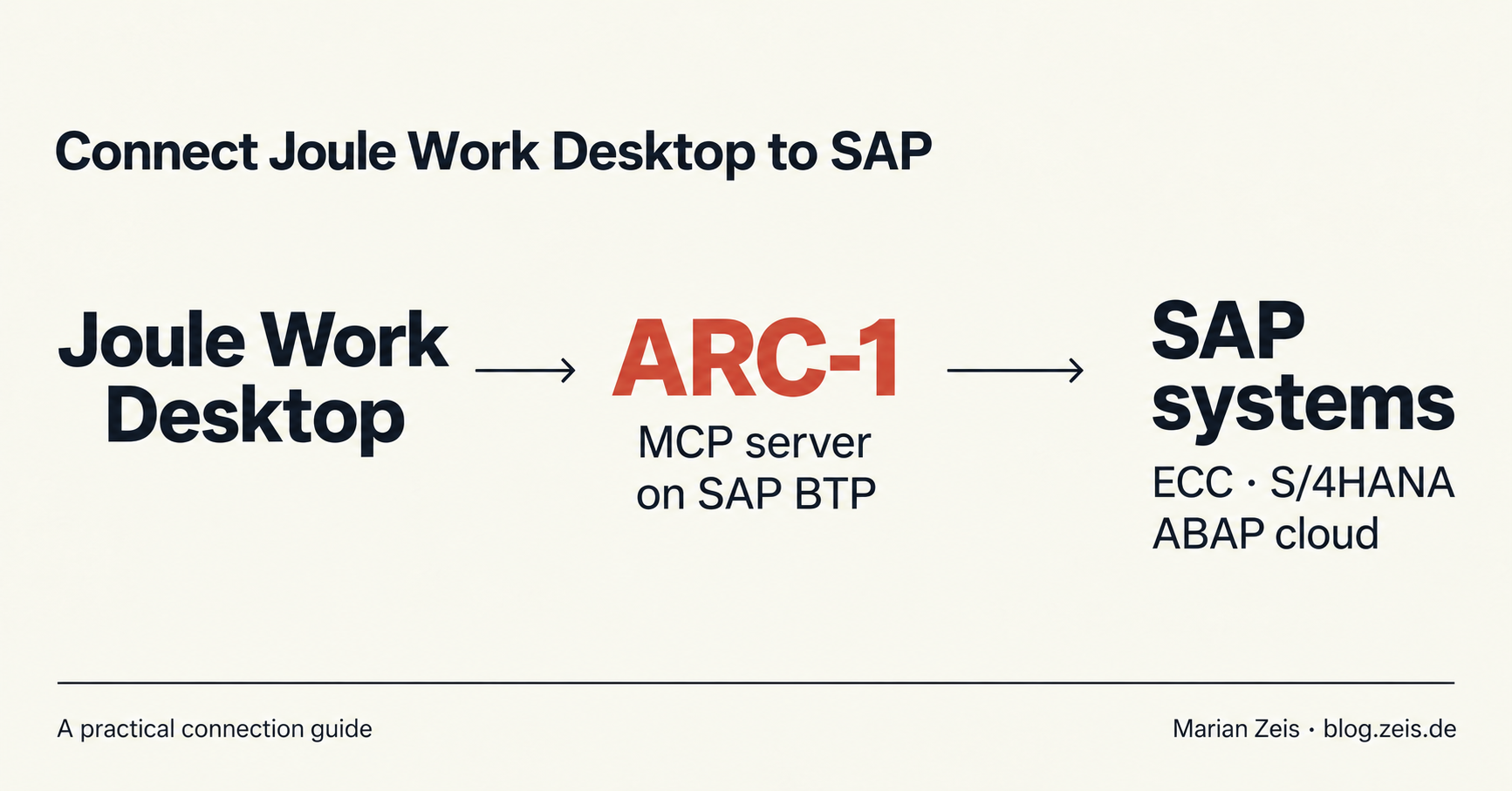
Joule Work Desktop connects through ARC-1, an MCP server on SAP BTP, to SAP systems including ECC, S/4HANA and ABAP cloud.

How to Connect Joule Work Desktop to SAP Systems

To connect Joule Work Desktop (JWD) to SAP systems, add ARC-1 on SAP BTP as an MCP connector, sign in with your work account and select it in a conversation. JWD can then use ARC-1’s SAP tools alongside the files and other context you provide. For ABAP work, ARC-1 is my first choice. It gives the desktop tools to investigate errors, read custom code and understand software changes. Below is the short setup guide and a support workflow that shows why the connection is useful. ...

October 18, 2026 · 5 min · 987 words · Marian Zeis